Grow your YouTube channel.
Know what to make, then make it.
Rendoza finds why your channel isn't growing, shows what to make next, writes the script, and turns it into a finished video. In Bangla and English.


ONE TOOL FOR THE WHOLE JOB
Stop guessing what to post.
Know it, then make it.
Most channels stall because the next video is a guess. Rendoza reads your channel and your market, tells you what to make, and helps you make it.
- 01
Channel Doctor
Find out why your channel isn’t growing.
- 02
Discover
See what your audience wants next.
- 03
Create
Get the brief, script, title and thumbnail.
- 04
Make the video
Turn the script into a finished video.
- 05
Analyze
Learn why a video worked, then go again.
Channel Doctor
Find out why your channel isn’t growing
Connect your channel and get a plain-language diagnosis from your own YouTube Analytics: what’s holding you back and what to fix first.
- Clicks, watch time and reach, compared with your own usual
- Your recent videos checked, thumbnails included
- What to fix first
Channel diagnosis
Example- Click-through rate3.1%· your usual 4.8%
- Viewers still watching at 30s58%· about your usual
- Views from YouTube search+24%· last 28 days
Discover
See what to make next
Add your competitors and get video ideas backed by numbers: what’s rising, where there’s room, and what fits your channel.
- Finds competitor channels for you
- Spots topics that are rising or under-served
- Every idea shows the evidence behind it
Your next video ideas
Example- 86Why orcas don’t attack humansRisingLow competition
- 74The deepest place in the oceanSteadyFew Bangla videos
- 69Animals that live over 200 yearsRisingFits your channel
Scored from what your competitors’ videos did and what fits your channel.
Create
From idea to script, title and thumbnail
Turn an idea into a full video plan. See who already made videos on the topic, then get a brief, a script, title ideas and thumbnail ideas.
- Script written part by part, with facts marked to check
- Title and thumbnail ideas that work together
- Send the script straight to voice and scenes
Video plan
Example- Why don’t orcas ever attack us?Question
- The ocean’s top hunter has one strange ruleCuriosity
Analyze
Learn why any video worked
Paste a link to any video or channel, yours or a competitor’s, and see why it did well or didn’t.
- Compared with that channel’s own usual views
- Title, thumbnail and description checked
- What viewers say in the comments
Why this video worked
Example- The title is a clear question, under 60 characters
- The thumbnail has one subject and big, readable text
- Viewers in the comments ask for a part 2
THEN MAKE THE VIDEO
One studio for the whole video,
from script to upload.
Write or paste a script, and Rendoza handles the scenes, the voice, the edit and the YouTube launch. No editing skills, no stock footage hunting, no watermark.
Script to finished video in minutes
Paste a script or upload your own voiceover. The AI splits it into timed scenes, generates matching visuals, adds narration and subtitles, and renders a ready-to-post video.
- Automatic scene planning from your script
- Upload your own MP3, auto-synced with Whisper
- 1080p MP4 with zero watermark
- 16:9 for YouTube or 9:16 for Shorts & Reels
AI Voice Studio
Narrate in your own voice, or create a brand new one, without recording every video.
- Clone your voice from a short sample
- Design a new voice from a text description
- Voiceovers in 23 languages
YouTube Launch Kit
Everything you need to publish, generated from the same script.
- Click-worthy title ideas
- Thumbnail studio
- SEO description, tags & hashtags
Full storyboard control
The AI does the first draft. You stay the director.
- Edit any scene prompt and regenerate
- Consistent look with visual style presets
- Cinematic pan & zoom motion
Export to your editor
Want to fine-tune? Take the project into the editor you already use.
- Premiere Pro, DaVinci Resolve & Final Cut (XML)
- EDL timeline export
- SRT subtitles for CapCut & more
HOW IT WORKS
Your script is
the starting point.
1. Add your script
Paste your script and let the AI understand your story.
2. AI analyzes
It identifies key points, structure and creates a scene plan.
3. Scene planning
Turns your narration into structured scenes with timing.

4. Visual generation
Creates relevant images for each scene using AI.
5. Narration
Generates natural voice and syncs it with the scenes.

6. Final video
All elements come together into a polished, ready-to-share video.
STORYBOARD EDITOR
Make every scene yours.
Regenerate images, adjust duration, change the narration, add animations, and more. You're always in control.
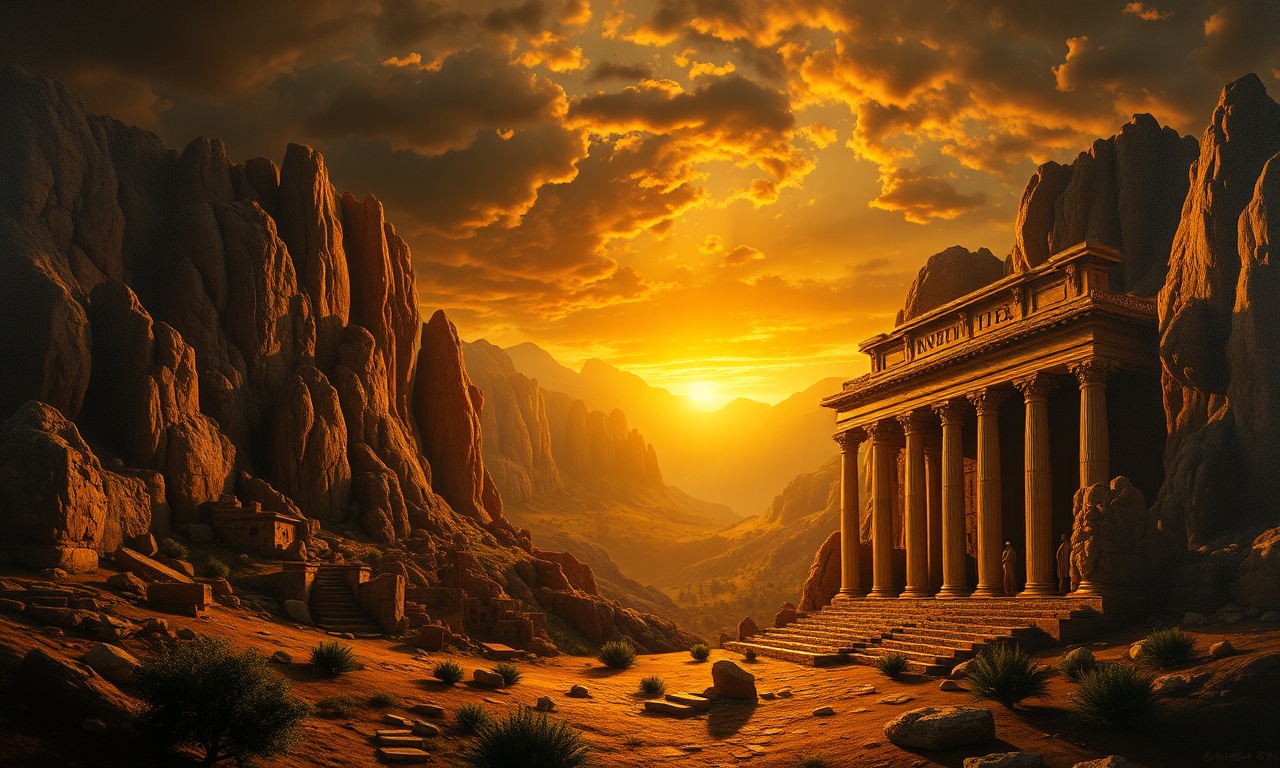
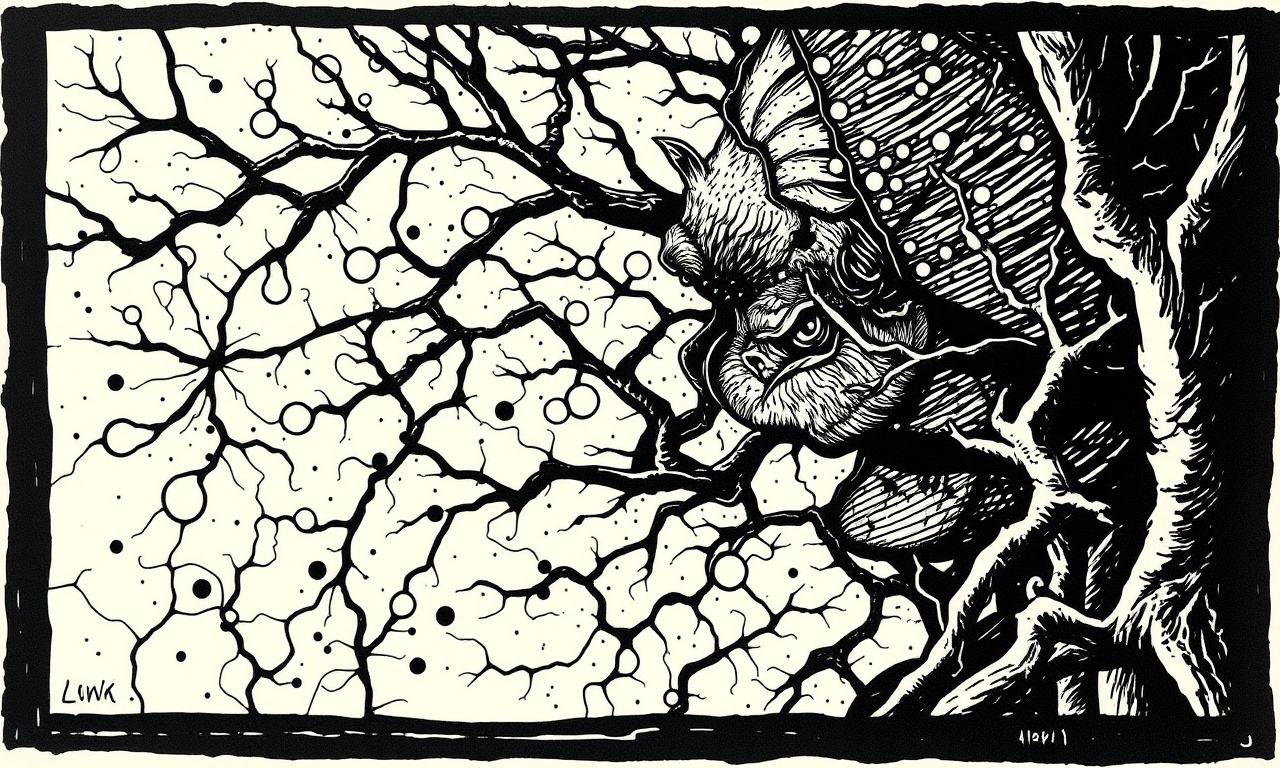


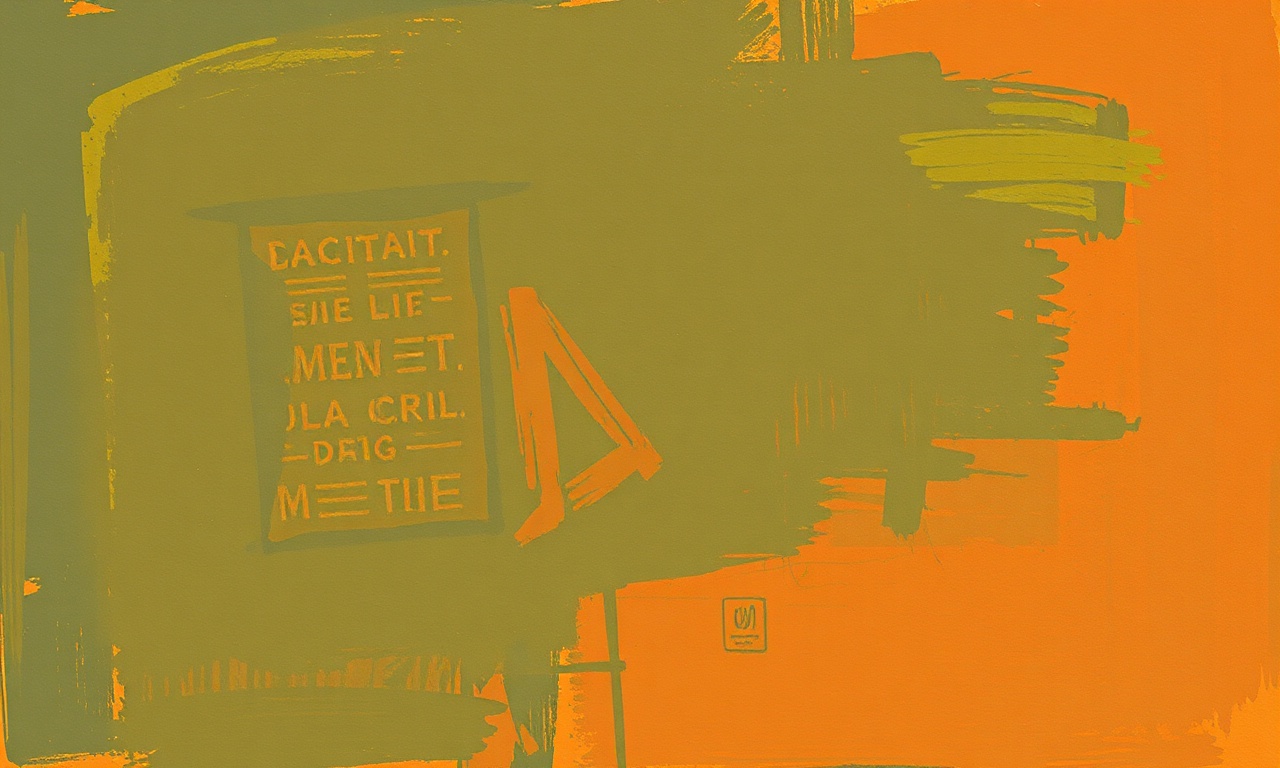


VISUAL STYLE ENGINE
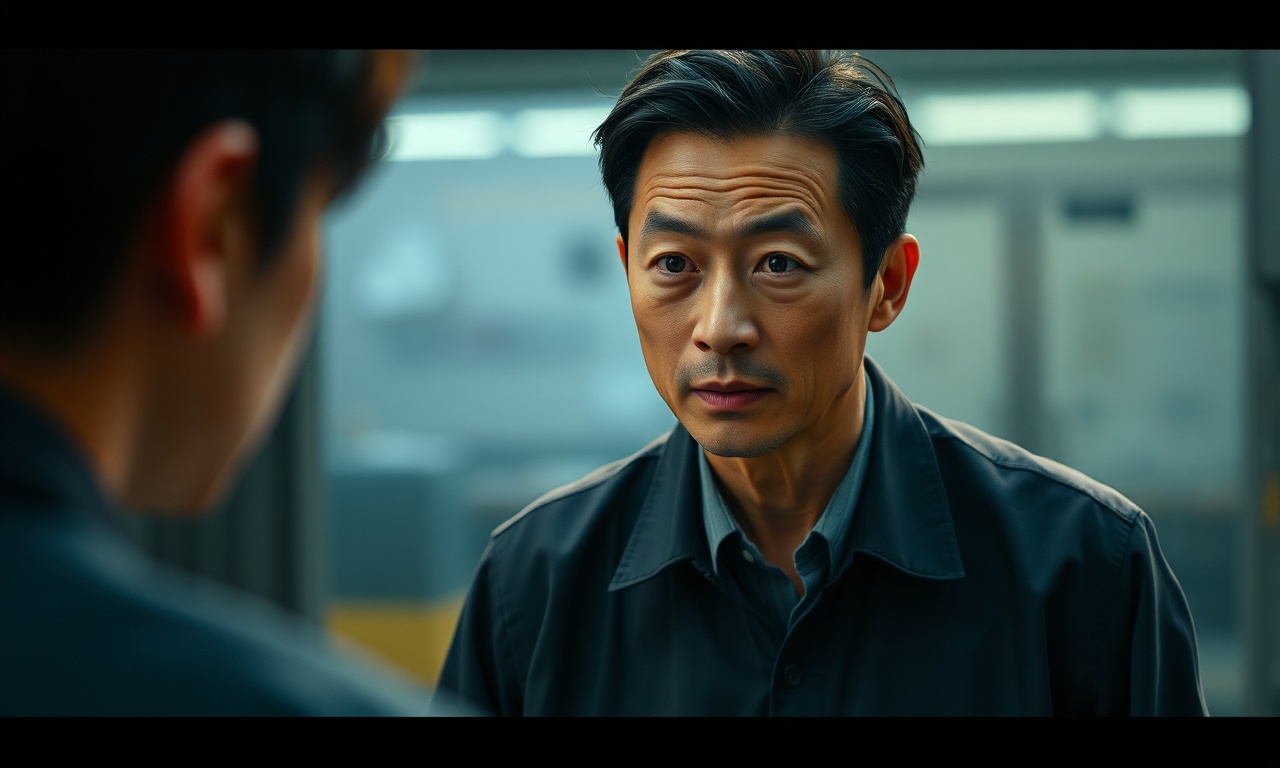
Consistent look.
Across all scenes.
Choose a master style and keep your entire video visually consistent, from start to finish.


What Rendoza is for
Rendoza is a tool for YouTube creators: it analyzes your own channel, researches what to make next, writes scripts, titles and descriptions, and turns a script into a video with illustrated scenes and narration. Our YouTube features use YouTube's official, read-only access only to analyze channel and public video data; Google and YouTube APIs are never used to create or edit images.
Never allowed
Rendoza must not be used to create nude, sexual or intimate images of anyone, including AI-generated non-consensual intimate imagery (NCII) of real people, any sexual content involving minors, or content that impersonates a real person without consent. Accounts that do are closed.
Read our Acceptable Use Policy →TRANSPARENT PRICING
Simple, Predictable Creator Pricing
Pay easily via bKash, Nagad, or Bank Transfer. Instant WhatsApp activation.

PAYMENT METHODS
Pay from any app with Bangla QR
Bangla QR is Bangladesh Bank's national QR standard. One QR code works across mobile wallets and banks, so you can pay us from the app you already use. No card, no dollar payment.
Prefer not to scan? You can also pay to our bKash merchant number shown at checkout.
1. Choose a plan
Pick monthly or 3 months. The checkout shows the exact amount to pay.
2. Scan the Bangla QR
Open bKash, Nagad, Rocket or your bank app, scan our QR and pay. Using bKash? Tap Payment, not Send Money.
3. Confirm on WhatsApp
Submit the number you paid from, then message us on WhatsApp. Your credits are added as soon as we verify the payment.